
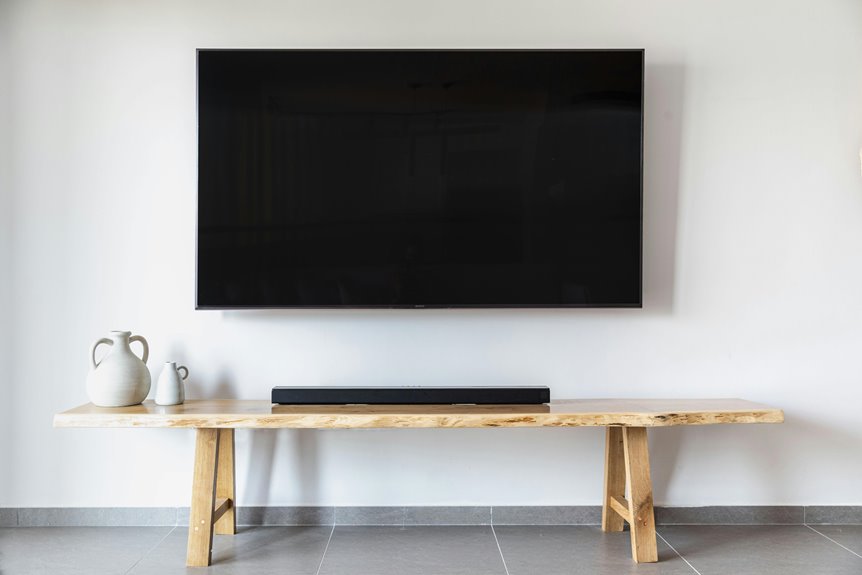
Mount your bedroom TV with its center at 48–60 inches from the floor—higher than the standard 42-inch living room baseline. This height aligns with your eye level when reclining in bed, reducing neck strain. Measure your actual seated and reclined eye positions first.
Account for bed height, room size, and viewing distance. A tilting mount lets you adjust the angle without remounting.
Consider your TV size and soundbar placement. The specifics of your setup determine your ideal final height.
The 42-Inch Baseline: Your Starting Point for Bedroom TV Height
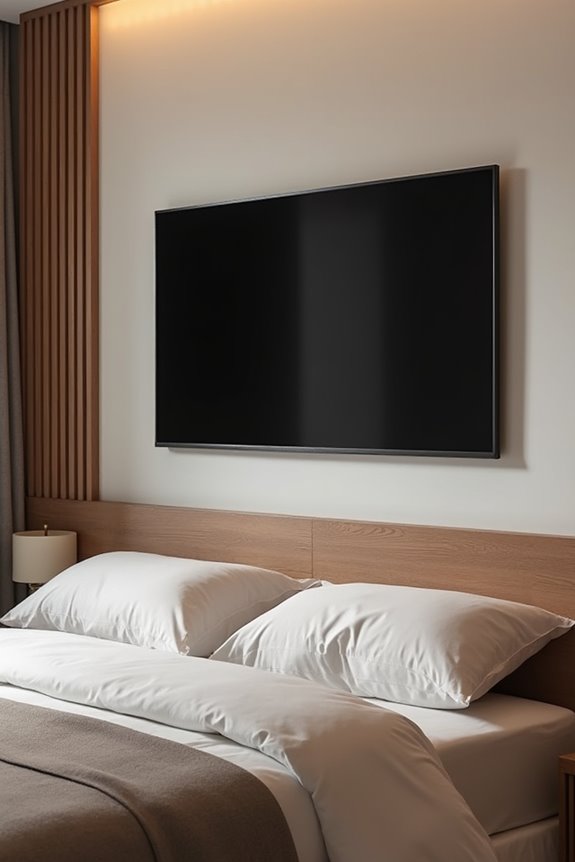
Finding Your Starting Point
Measure your seated eye level at your primary viewing spot. Your eyes should align with the screen’s center when relaxed. The 42-inch baseline serves as a guideline for this alignment. Consider your bed or couch height during measurement.
Measure seated eye level at your primary viewing spot—your eyes should align with the screen’s center when relaxed.
Refining Your Mounting Height
Don’t treat 42 inches as a fixed rule. Adjust based on your furniture layout and personal comfort. Factor in TV size and room dimensions for optimal viewing distance. Use this baseline alongside these variables to determine your final mounting height.
Measure Your Actual Eye Level in Bed (Seated and Reclining)
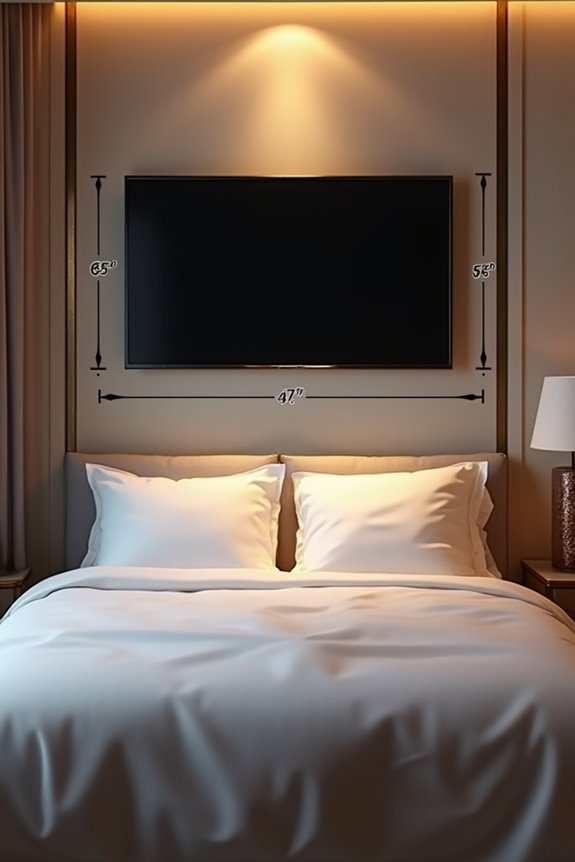
You’ll need to measure your eye level in three key positions: seated upright against pillows, reclining at a reading angle, and lying completely flat. Use a tape measure or laser level to mark each height on the wall, noting that your eyes rise significantly when you’re fully reclined compared to sitting up. Testing these multiple angles reveals your true viewing range and helps you pick the most suitable TV center height, typically between 48 and 60 inches from the floor.
Seated Eye Level Measurement
How’s your viewing comfort when you’re relaxed in bed? Your seated eye level height determines optimal TV placement. Here’s what you’ll do: sit upright on your bed in your normal viewing position. Use a tape measure from the floor to your eye level. Mark this measurement on the wall. Most people find their seated eye level ranges from 48 to 54 inches high.
Repeat this process several times throughout the day. Your bed height and posture affect results significantly. Average your measurements for accuracy. This seated measurement establishes your baseline viewing position. You’re capturing how you actually sit when watching TV. Don’t estimate—measure precisely. This data prevents neck strain and improves your overall comfort. Your viewing position directly influences where you’ll mount that television.
Reclining Position Adjustment
Your seated measurement captures only part of the picture. When you recline, your head tilts back significantly, shifting where your eye level actually lands. You’ll need to measure again while lying at your typical viewing angle to find your true reclining eye level.
| Viewing Position | Eye Level Height | Center Mount Height |
|---|---|---|
| Seated upright | 48–52 inches | 55–60 inches |
| Slight recline | 50–54 inches | 58–64 inches |
| Full recline | 52–56 inches | 60–68 inches |
Your reclining center height typically ranges from 48–60 inches, depending on mattress elevation and angle. This higher placement reduces neck strain and maintains comfortable screen tilt. Install a full-motion or tilting mount to adjust the screen toward your eyes, keeping proper alignment with your reclining eye level position.
Testing Multiple Viewing Angles
Measuring your actual eye level in bed—both seated and reclining—is necessary for proper TV placement. You’ll capture the full range of heights your eyes naturally reach throughout your viewing experience.
Here’s your approach:
- Use a tape measure to find the vertical distance from floor to eyes while seated upright
- Repeat the measurement while fully reclining to note the difference in eye level
- Average these heights or select the position matching your primary viewing posture
Once you’ve identified your ideal eye level, align the TV’s center point with that height. This keeps your viewing angle comfortable without excessive neck strain. Consider using a cardboard template or AR visualization to simulate your final mounted position. Testing angles before installation confirms your tilt mount will keep your eyes comfortably centered on screen.
How Bed Type and Headboard Shape Your Mount Height
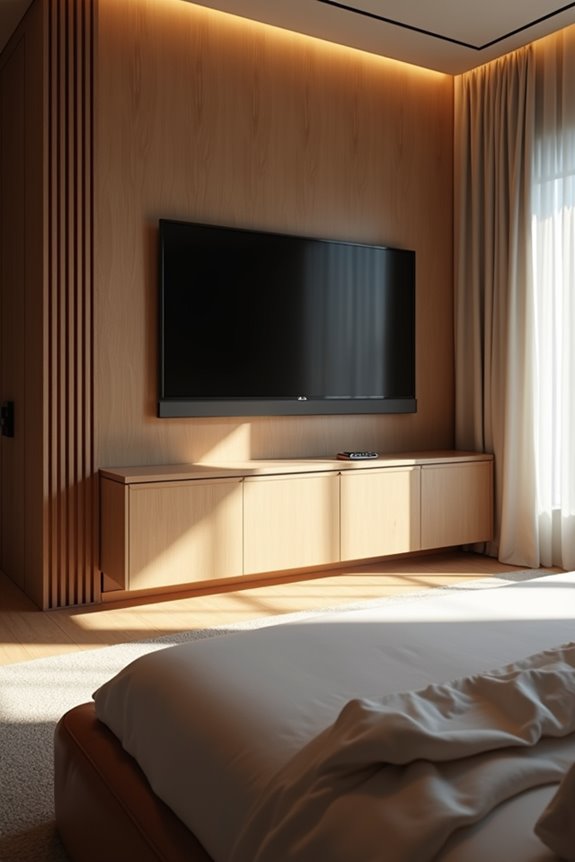
Ever notice how your bed’s height changes where you’re looking? Your bed type directly influences your eye level and mounting height. A taller bed or platform bed raises your seating position, shifting your ideal viewing angle upward. You’ll want to mount your TV higher to maintain comfortable sightlines.
Low-profile frames lower your eye level, allowing a lower mounting height with straight-on viewing. Storage beds with built-in footboards raise the mattress top, moving your TV center point upward several inches.
Headboard shape matters too. Thick or upholstered headboards add visual depth, potentially pushing the screen forward and requiring slight downward tilting. Curved designs need extra clearance above the screen for unobstructed mount movement. Consider your specific bed configuration before finalizing your wall placement.
Why Room Size and Viewing Distance Matter
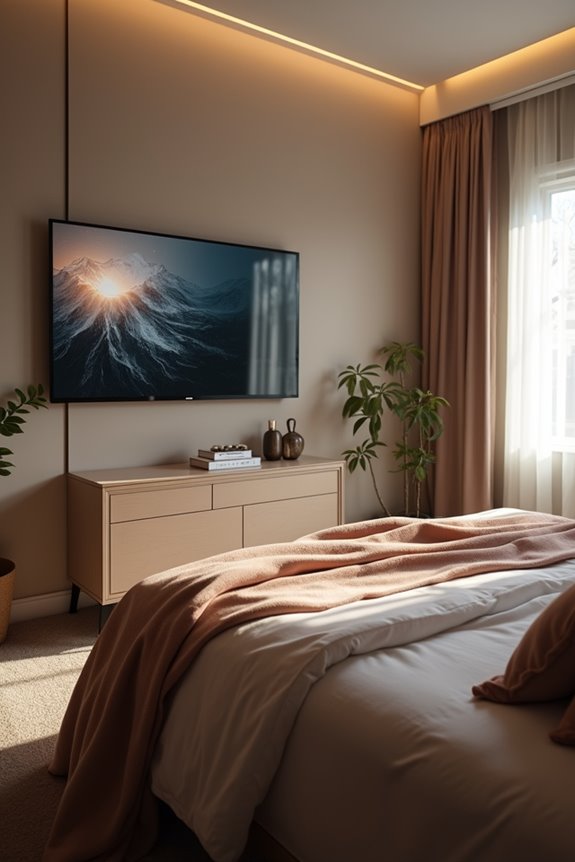
Your bedroom’s size directly determines how far you sit from your TV, which then shapes the ideal mounting height. In smaller rooms where you’re closer to the screen, you’ll mount the TV lower to avoid neck strain; larger bedrooms allow higher placement since you’re viewing from greater distance. Calculate your viewing distance in feet, then use that measurement to position your TV’s center between 105–152 cm high, adjusting downward for compact spaces and upward for spacious layouts.
Bedroom Dimensions And Viewing
How much space you’ve got matters more than you’d think when mounting a TV. Your bedroom’s actual dimensions directly shape where that screen belongs.
Consider these key factors:
- Viewing distance – Measure from your bed to the wall. Smaller rooms need lower mounting positions to keep comfortable angles.
- Eye level alignment – Your seated eyes should land near the TV’s center. This prevents neck strain during relaxation.
- Bed height and furniture – Account for your bed height, dressers, and chairs. These pieces determine your natural sightline.
The 42-inch baseline works as a starting point. Compact bedrooms often require lower wall mount positions. Larger rooms permit slightly higher placement. Your room dimensions ultimately guide the exact wall mount position that keeps viewing comfortable and natural.
Optimal Distance From Screen
The distance between your bed and the TV directly shapes where that screen belongs on your wall. Your viewing distance determines everything about comfortable mounting height and tilt angle.
For a 55–65 inch screen, position your bed 6–8 feet away. This distance allows you to keep screen center near eye level without neck strain. Measure from your typical seating position—where your head naturally rests against pillows.
Smaller bedrooms require closer viewing distances. When you’re only 4–5 feet from the screen, mount it higher or add tilt to prevent downward looking. Conversely, farther seating distances permit lower mounting closer to eye level.
Use this formula: note your seated eye level, then adjust your mounting height accordingly. Your specific room layout determines the best placement for comfortable, strain-free viewing.
Space Constraints Affect Height
What you’re really solving for isn’t just wall space—it’s how your room’s layout changes where you’ll sit and how far you’ll be from the screen.
Your bedroom’s dimensions directly affect ideal mounting height. Consider these factors:
- Viewing distance: Smaller rooms shorten the distance between you and your TV, lowering the optimal eye level center to 105–120 cm from the floor.
- Seating height: Bed mattresses vary in elevation, so measure where your eyes naturally rest when seated before finalizing height.
- Wall space availability: Limited wall area in bedrooms often justifies lower starting points near 100–110 cm, then refined through testing.
Full-motion or tilt mounts work well here. They accommodate multiple seating angles without sacrificing center alignment, solving the constraint problem effectively.
Choosing the Right TV Size for Your Bedroom
Your bedroom’s dimensions and bed size directly determine the ideal TV size for comfortable viewing. You’ll want to match your TV size with your room dimensions and viewing distance to avoid neck strain.
| TV Size | Bottom Edge Height | Best Room Size |
|---|---|---|
| 55-inch | 26 inches | Small to medium |
| 65-inch | 24 inches | Medium |
| 75-inch | 22 inches | Large |
Consider your bed position and eye level when seated or reclined. Larger TVs in compact bedrooms require higher mounting to maintain comfortable center alignment. Balance TV size with bed dimensions: a massive screen overwhelms a small bed, while a tiny screen disappears in spacious rooms. Calculate your viewing distance by measuring from your bed to the wall. You’ll achieve optimal comfort by selecting a size proportional to both your room dimensions and typical viewing distance from your bed.
Measure Twice: The Precise Height Calculation Method
How do you know exactly where to mount your TV?
You’ll want to start by taking precise measurements. Here’s your step-by-step approach:
- Measure your eye level while seated in your bed.
- Mark that height on your wall using a tape measure or laser level.
- Calculate the TV’s center point by halving the screen height, excluding the stand.
A standard starting point is 42 inches from the floor to center height. However, adjust based on your seating height and room layout.
For multiple viewers, average everyone’s eye levels. This minimizes neck strain for all occupants.
Before drilling any holes, create a cardboard measurement template. Position it at your intended height to visualize alignment and confirm clearance with furniture and soundbars. This verification step prevents costly mistakes and supports optimal viewing comfort.
Tilting and Full-Motion Mounts: Adjusting Height on the Fly
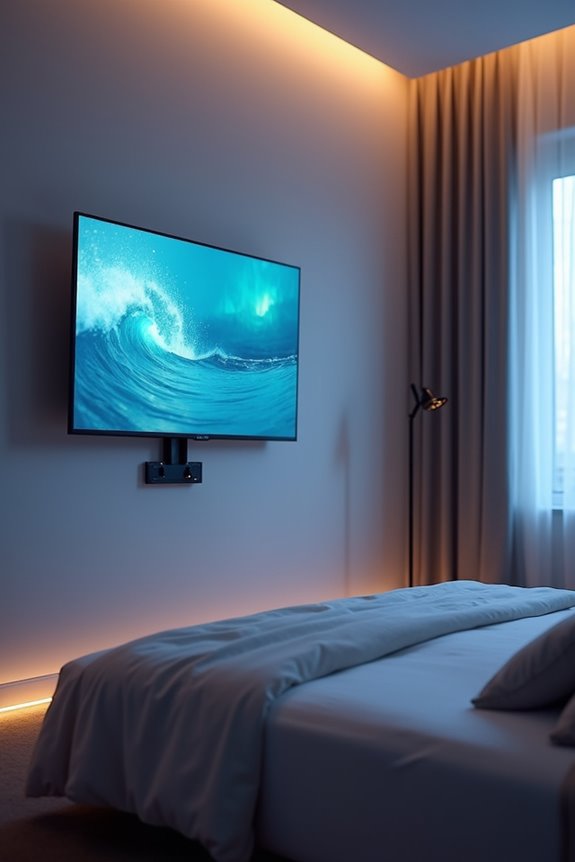
You can use tilting or full-motion mounts to adjust your TV’s angle after installation, which accommodates different viewers and seating positions. These mounts let you angle the screen downward from a higher position, reducing neck strain without remounting the entire bracket. You’ll gain flexibility to fine-tune viewing comfort for both seated watching and in-bed viewing from various angles.
Flexibility For Multiple Viewers
Adjust your TV’s angle without drilling new holes or calling a technician. You can achieve flexibility for multiple viewers by strategically positioning your mount and using its adjustment features.
Consider these approaches:
- Align the TV center with average seated eye level, then use tilt to optimize for lowest and highest positions
- Combine full-motion and tilt functions to accommodate both upright and lying-down viewing, reducing neck strain
- Test your seating angle before finalizing placement so the mount supports smooth, repeatable adjustments
Full-motion mounts extend from the wall and swivel, enabling height adjustments without remounting. This flexibility accommodates different viewers’ needs. Verify your mount supports your TV’s weight and allows cable management without interference. You’ll reduce strain across various positions while maintaining a fixed wall footprint.
Reducing Neck And Eye Strain
Tilting and full-motion mounts address bedroom TV viewing by letting you adjust height and angle on the fly. These mounts directly reduce neck strain by positioning your screen at eye level while you’re seated or reclined.
Finding Your Optimal Position
Start by sitting in your primary viewing spot. Your eye level typically falls between 38–44 inches from the floor. Position the TV center near this height, then fine-tune the tilt mount to align the screen with your natural line of sight.
Adjusting for Comfort
Full-motion mounts work well when you alternate between sitting upright and reclining. They eliminate the fixed viewing angle problem, reducing eye fatigue across multiple postures. Test small angle adjustments iteratively until glare disappears and neck strain is eliminated.
Adjusting Angle After Installation
Once you’ve mounted your TV, the real fine-tuning begins. Your wall mount’s adjustment capabilities let you achieve the perfect viewing height and angle for your bedroom setup.
Follow these steps to optimize your installation:
- Test from your bed: Sit in your primary sleeping position and note where your eyes naturally rest.
- Use the tilt feature: Adjust the angle downward if your TV sits above eye level, reducing neck strain.
- Check multiple positions: View from different spots to confirm even image height across common seating areas.
Full-motion mounts offer horizontal swivel and vertical tilt adjustments, helping you align the screen precisely. Test from various angles to minimize glare and confirm your wall mount delivers comfortable viewing without overstressing the installation.
Space You Need Below the TV: Shelf and Furniture Clearance
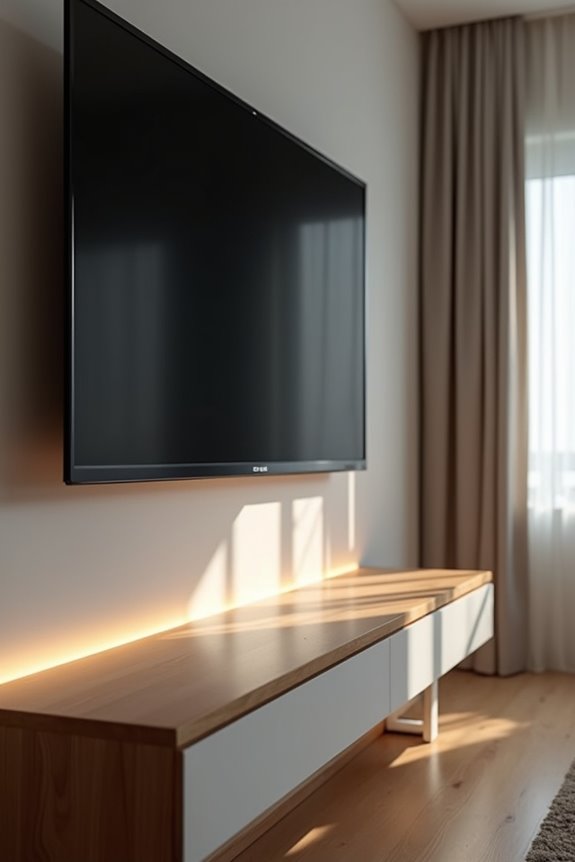
How much space you leave below your mounted TV matters more than you might think. You’ll want to maintain 1–2 inches of clearance between your TV bottom and any soundbar or shelf. This prevents obstruction and keeps your remote’s IR sensor functioning properly.
When a dresser or shelf sits below your TV, align the TV center with seated eye level. Adjust your mounting height to avoid blocking storage or decorative items you value. For corner setups with low shelves, extend your mount away from the wall. This clears shelf items while keeping your screen aimed at your main seating area.
Soundbars require special attention: position them so they don’t interfere with viewing angles or block remote signals.
Where to Position Your Soundbar (and Why It Affects TV Height)
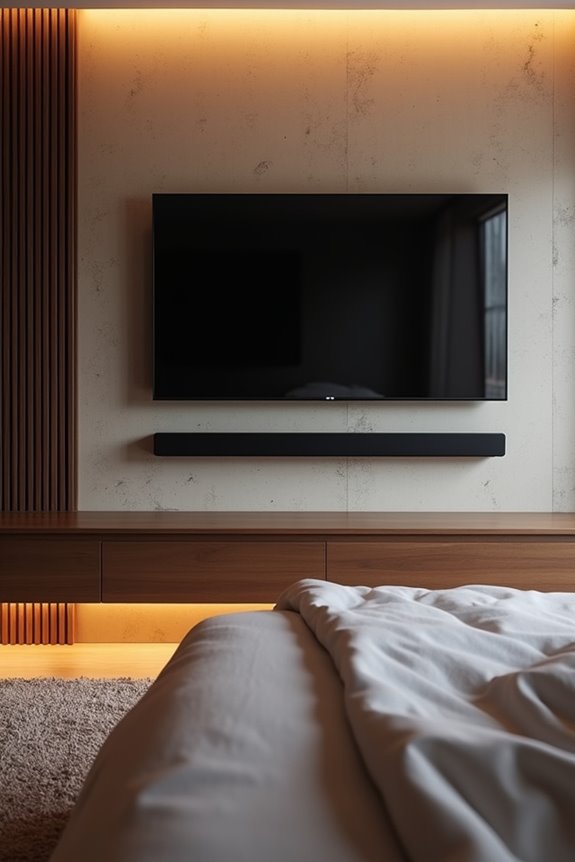
Your soundbar’s placement directly influences how high you’ll mount your TV—and that’s something to consider carefully. The soundbar’s height fundamentally changes your viewing height calculations. Here’s what you need to know:
- Position the soundbar 1–2 inches below your TV to avoid blocking the screen or IR sensor while maintaining soundbar clearance
- Measure soundbar height early so you can adjust your wall mount placement accordingly for optimal acoustics
- Account for total clearance from the wall to prevent crowding and preserve sound quality
Mount your TV center at eye level when accounting for the soundbar’s thickness. Use an articulating mount if you’re positioning your TV higher than eye level. This approach lets you tilt without interference. Planning audio-first supports comfortable viewing and excellent sound projection throughout your bedroom space.
Check Your Wall: Drywall, Plaster, and Structural Requirements
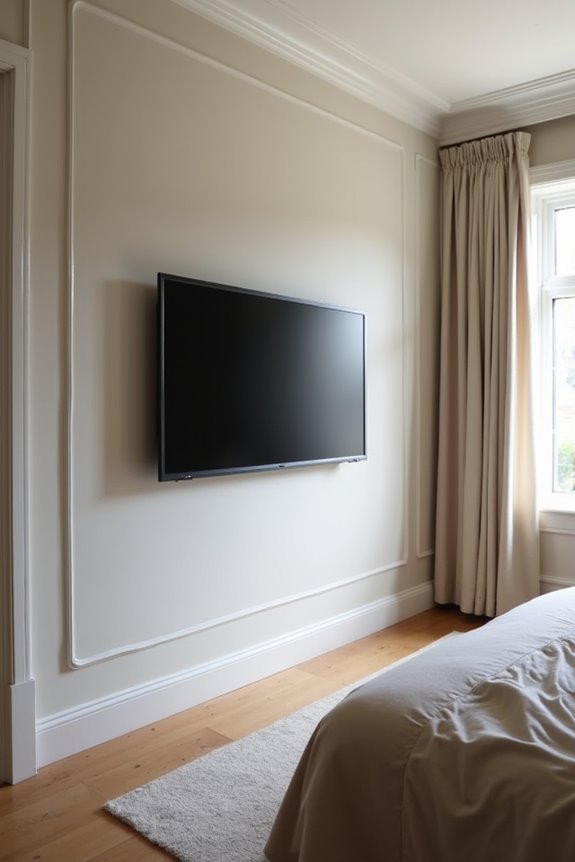
Check Your Wall: Drywall, Plaster, and Structural Requirements
Before you drill into your bedroom wall, you’ll need to know what’s behind it. Your wall type determines everything about mounting hardware and installation success.
Identifying Your Wall Type
Drywall walls use standard stud-finder methods to locate studs safely. Plaster or lath walls require magnetic stud finders to penetrate multiple layers. Knowing your wall type prevents costly mistakes.
Selecting Proper Mounting Hardware
Match your mounting hardware to both wall type and stud location. Drywall studs provide solid anchoring points for TV mounts. Plaster walls need anchors or toggle bolts rated for their construction.
Verifying Wall Strength
Always verify wall strength before drilling. Consider your TV size and mount weight together. Weak walls won’t support heavy equipment safely. Proper preparation creates a secure, long-lasting installation.
Heat Safety and Cable Routing: Installation Essentials
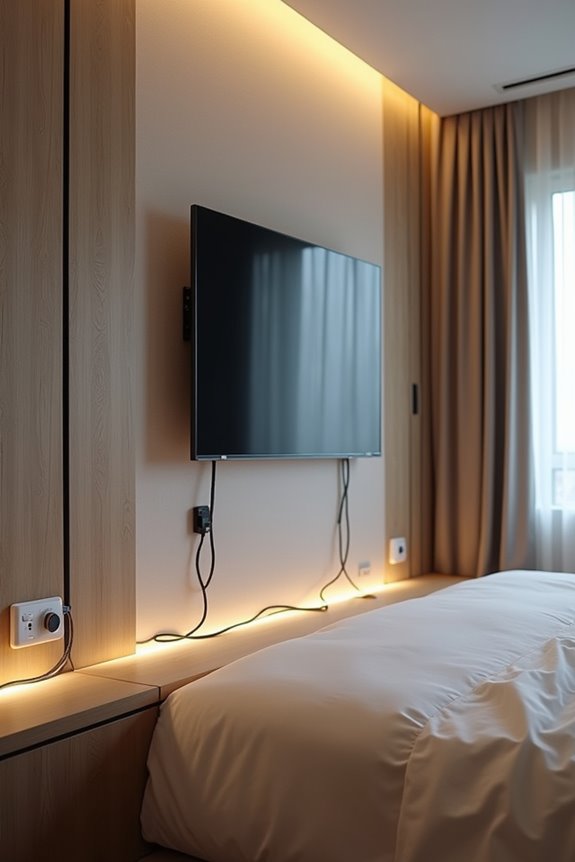
When you’re mounting a TV above a fireplace, heat becomes your biggest concern. You’ll want to run your fireplace for an hour before drilling. Check if the mounting area feels uncomfortably warm—if it does, you need to reconsider your placement.
Heat safety steps:
- Maintain 4–8 inches clearance between mantel top and TV bottom to reduce heat transfer
- Install a tilt or full-motion mount to angle your screen away from fireplace heat and toward eye level
- Route all cables through in-wall solutions, keeping electrical and HDMI lines away from heat vents
Verify wall heat patterns using both fireplace and TV manuals. Proper cable routing and TV mounting height work together to protect your equipment long-term while maintaining safe, comfortable viewing.
Adjusting for How You Actually Watch: Reclining vs. Sitting Up
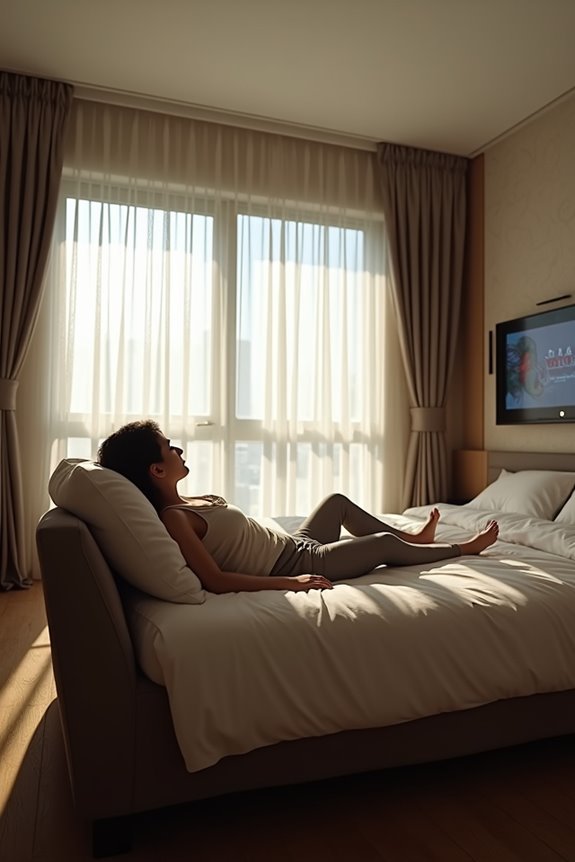
Your eye level shifts significantly depending on whether you’re sitting upright or reclining in bed, creating two different viewing angles that a single fixed mount can’t satisfy equally. When you’re lying down, your eyes rest roughly 48 to 60 inches from the floor, while seated viewing typically centers around 42 inches—a notable gap that affects screen comfort and neck strain. You’ll need to measure both positions in your actual bedroom setup, then choose between a tilting mount for flexibility or a higher placement that favors your primary viewing style.
Eye Level When Reclined
How’s your bedroom TV viewing actually happening—sitting upright or stretched out?
When you’re reclined, your eye level rises compared to sitting. This shift means you’ll need to adjust your center height accordingly. Here’s what you need to know:
- Measure your actual position: Lie in your typical bed-watching posture and note where your eyes naturally fall relative to the floor.
- Account for reclining angles: Most reclined bedroom viewing requires mounting heights between 48 to 60 inches from the floor to match your eye level.
- Use tilting mounts strategically: A tilting mount compensates for angle differences, reducing neck strain during extended viewing sessions.
The goal is straightforward: align your TV’s center height with your reclining eye level for optimal comfort and reduced strain during bedroom viewing.
Upright Sitting Position Differences
Most bedroom TV setups require different mount heights than living rooms—and the difference matters. When you sit upright on your bed, your eye level drops compared to reclining. This shift changes where you should center your screen.
Your viewing height determines proper placement. If you’re sitting up, aim lower than your reclining eye level measurement. Typical bedroom centers range from 48 to 60 inches from the floor, depending on bed height and seating position.
Tilt or full-motion mounts solve this challenge effectively. These adjustable options let you angle the screen toward you in both positions—sitting upright or fully reclining. You can fine-tune the center of screen alignment without remounting hardware.
Measure both positions before deciding final mounting height. This keeps comfortable viewing consistent regardless of how you actually watch.
Finding Your Comfortable Angle
What angle feels right depends entirely on how you actually use your bed. Your comfortable eye level shifts dramatically between reclining and sitting upright positions.
Start by testing your viewing angle:
- Measure your reclining eye level – Lie back and note the distance from your eyes to the wall where you’d mount the TV
- Raise the center point higher – Bedroom TVs typically mount 48–60 inches from the floor, higher than living room standards
- Account for posture changes – Use a tilt mount to adjust your viewing angle when switching between positions
A tilt mount maintains proper alignment without remounting. Before drilling, use cardboard templates or AR visualization to preview the screen center at both reclining and sitting heights. This keeps your eye level properly aligned with the screen throughout your actual viewing habits.
4 Common Mistakes That Cause Neck and Eye Strain
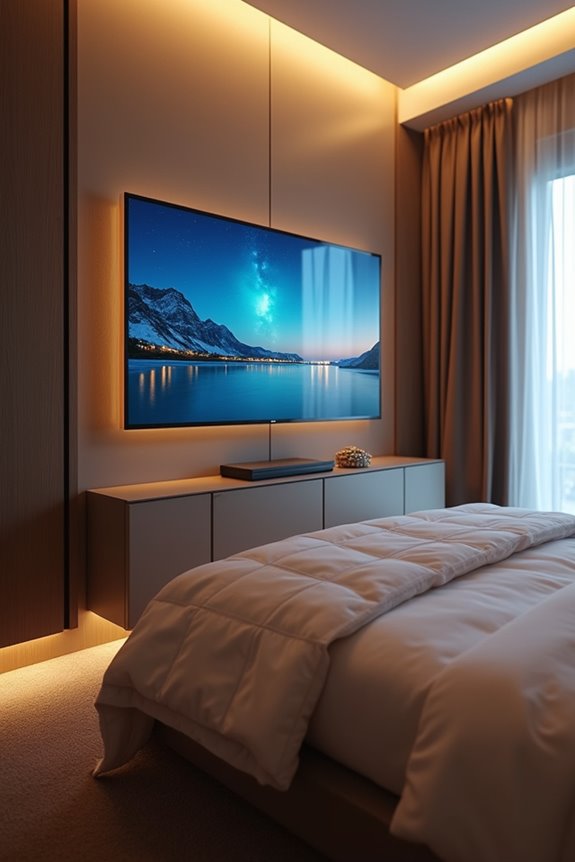
You’ve probably noticed your neck hurting after a bedroom TV session—and there’s a reason why.
Mounting Too High or Too Low
Positioning your TV above eye level forces constant upward tilting. This creates persistent neck strain and headaches. Conversely, mounting too low demands downward gazing, triggering eye fatigue and ceiling glare. Align your TV center with seated eye level for comfort.
Ignoring Multiple Seating Positions
Your bedroom likely has different viewing spots: bed, chair, or sofa. Each position requires different mounting heights. Neglecting this reality forces some viewers into awkward angles. Consider where you’ll watch most frequently.
Forgetting Accessories and Sensors
Soundbars and IR sensors often push screens higher than ideal. This compensatory head angle strains your neck. Account for these elements during mounting height planning to maintain proper viewing angle across all seating positions.
When to Call a Professional vs. DIY Installation
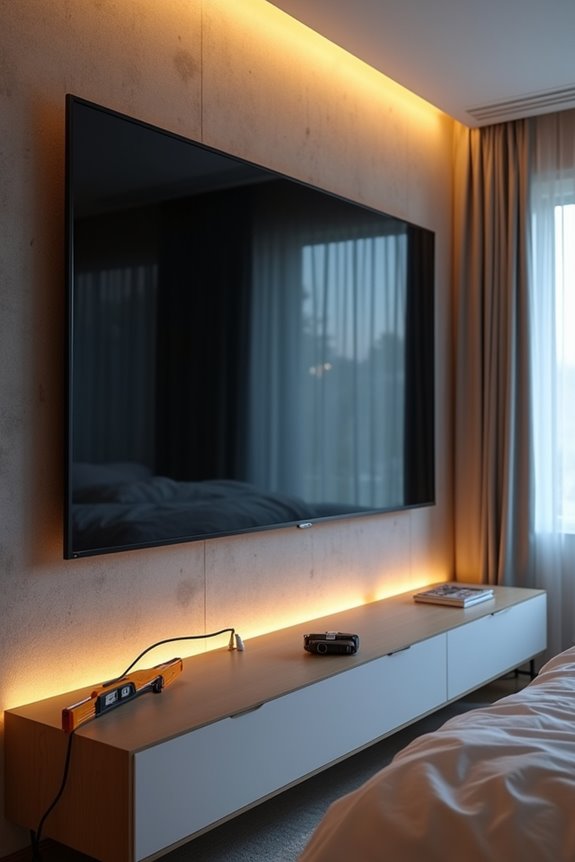
When to Call a Professional vs. DIY Installation
Once you’ve positioned your TV at the right height to avoid neck strain, the next decision is how to get it there safely. You’ll need to evaluate your specific situation before grabbing tools.
DIY Installation Works Well When:
- You have standard drywall walls and own a stud finder to locate support points
- Your mounting height involves straightforward, low-risk placement following manufacturer guidelines
- The wall type is certain and you’re confident in your ability
Call a Professional For:
- Plaster, lathe, or masonry walls requiring specialized hardware
- Locations above fireplaces where heat poses risks
- Complex layouts demanding precise weight calculations
- Uncertain wall structures or in-wall electrical work
Professional installation keeps your TV secure at the correct mounting height. Your safety matters more than saving money on installation.